


Changing your subscription type or duration can be easily done online anytime!
1. Log into your account on Studio SWEAT onDemand.
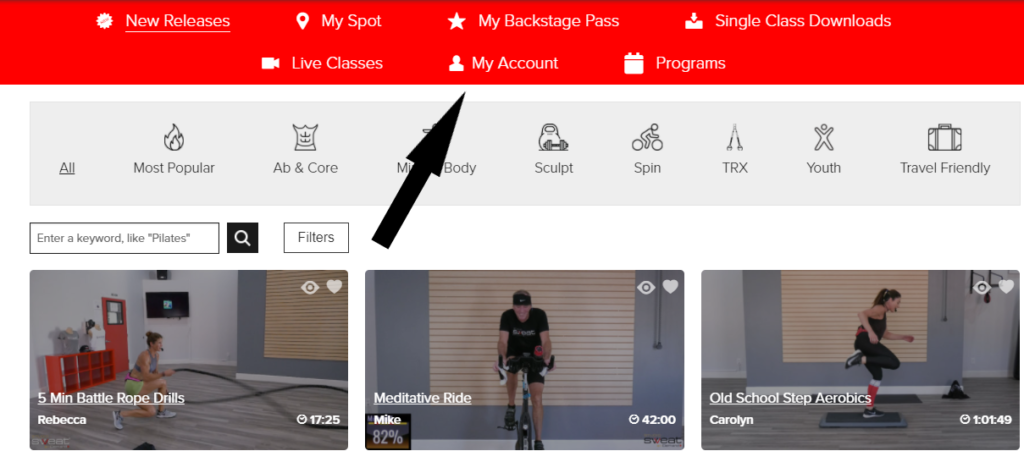
2. Go to My Account:
3. Under My Account, you will see your Subscriptions. To the right you will see these options:
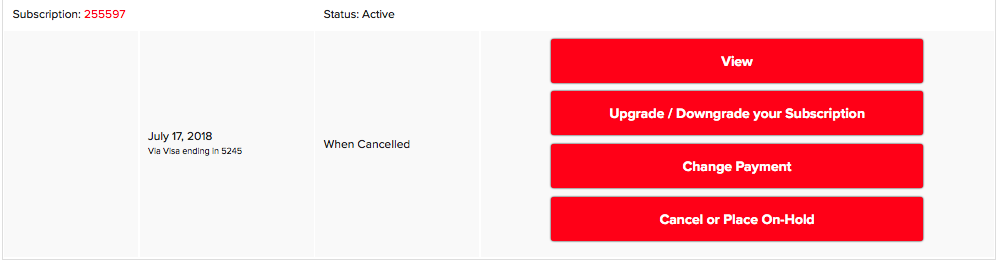
4. Click on Upgrade/Downgrade your Subscription and when the page loads you will see all options available to you.
5. Select the Option you’d like to change your pass to.
6. Follow the prompts to check out.
Posted in: Billing and Purchases


