


There are two different ways to view/download your invoice.
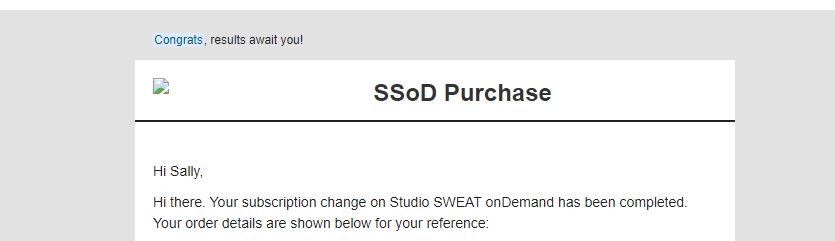
From your Emailed Sales Receipt:
1. Locate the sales receipt that was emailed to you after your purchase.
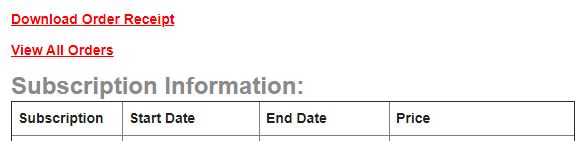
2. Click on “Download Order Receipt” located above the Subscription Information:
3. Save the file or print.
From your account via the website:
1. Log into your account via a web browser. This can not be completed in any of our apps.
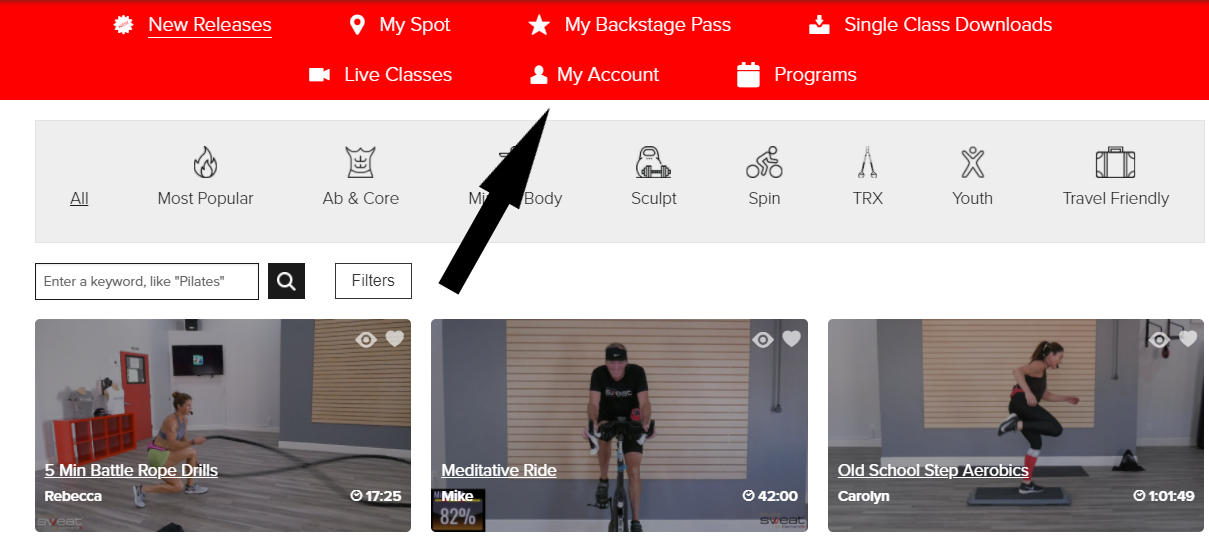
2. Click on My Account.
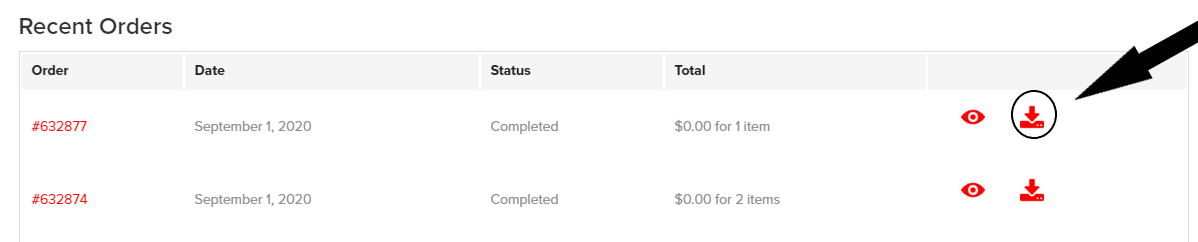
3. Under My Account, Subscriptions and Orders will automatically show. Scroll down until you see “Recent Orders”.
4. Click on the download icon next to the order you want the invoice of.
5. Once clicked the invoice will download to your device to save or print.


