


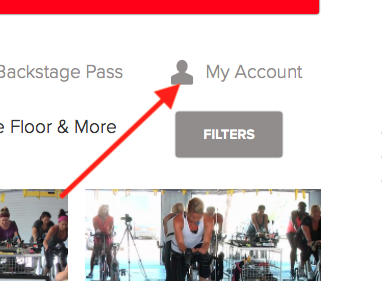
You can view your purchase and billing history by clicking here: My Account page. If that link does not work, you can access the My Account page by logging into the website and clicking the My Account link in the right corner of the screen:
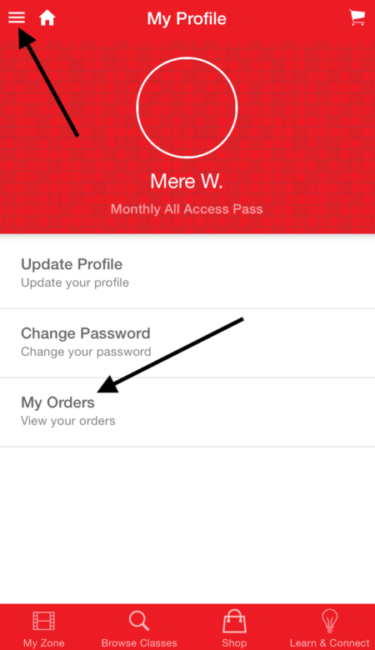
Our Apple and Android apps provide a general overview of your orders for your All Access Pass, but do not give specific details about payments. Please be sure to log into the website to check for details on your payment. If you purchased a Single Class Download via the Apple or Android app, go to the Menu Icon on the top left then select Orders below:
Posted in: Billing and Purchases


